BRAMA · Research previewFree for use
Measure.
Don’t guess.
Measurements from your own scans and CTs — in millimetres, in the browser. Facts, not verdicts: the clinician decides.
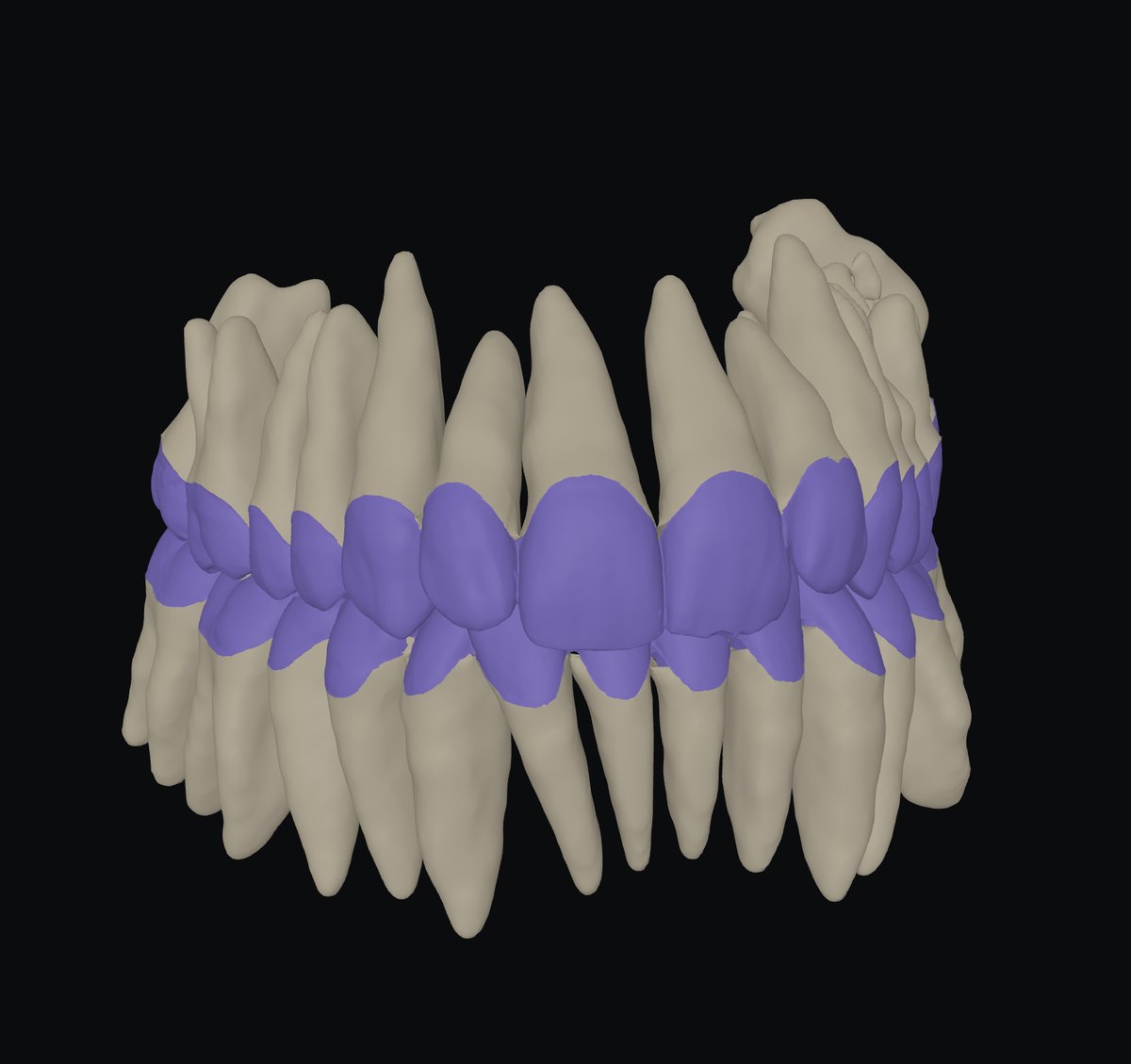
What it does today05 tools
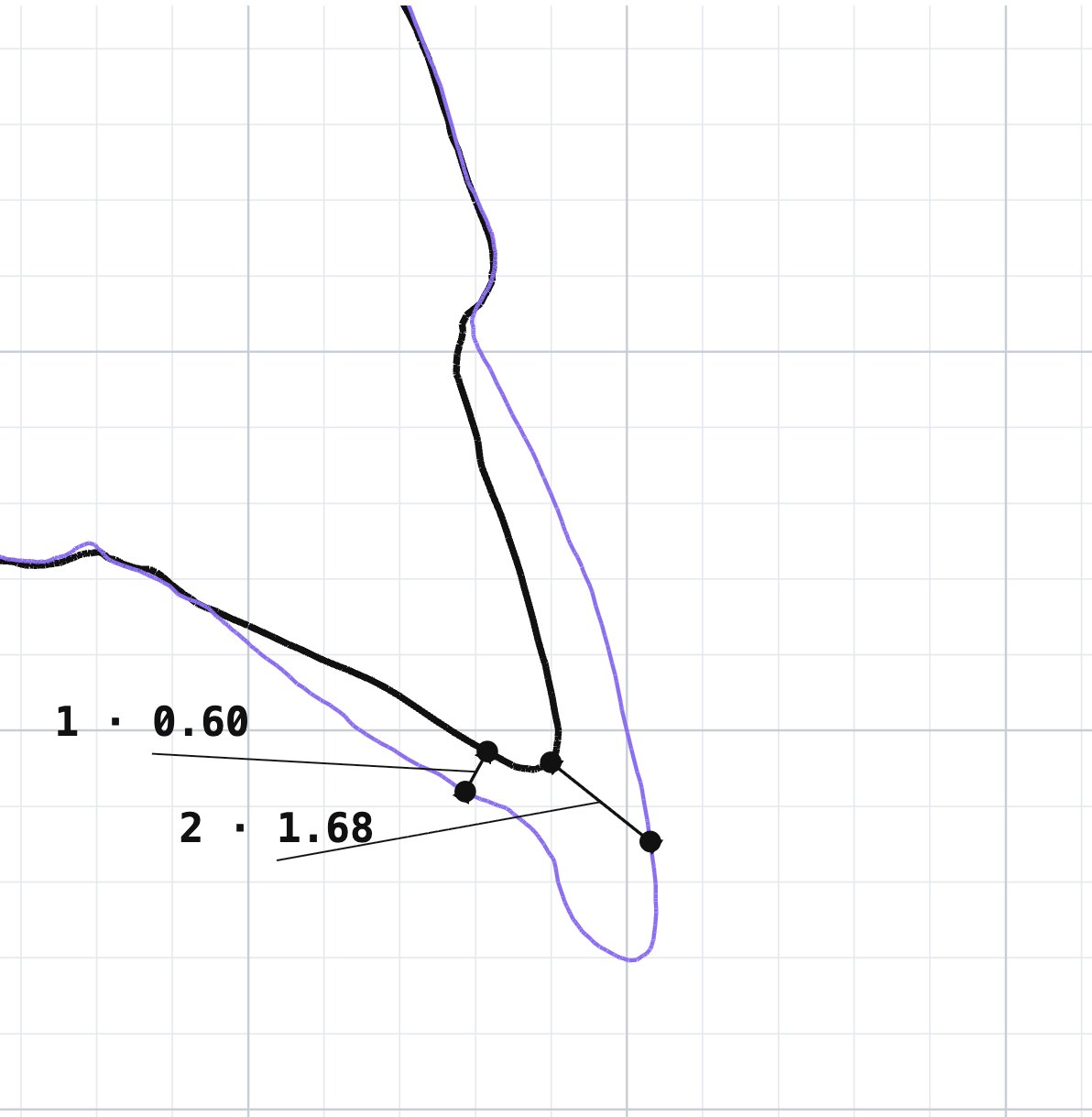
01 · Prep depth
How much was removed — the pre-op scan over the prep, cut through, in millimetres.
Prep scan + pre-op or wax-up · STL, PLY, OBJ
How it works →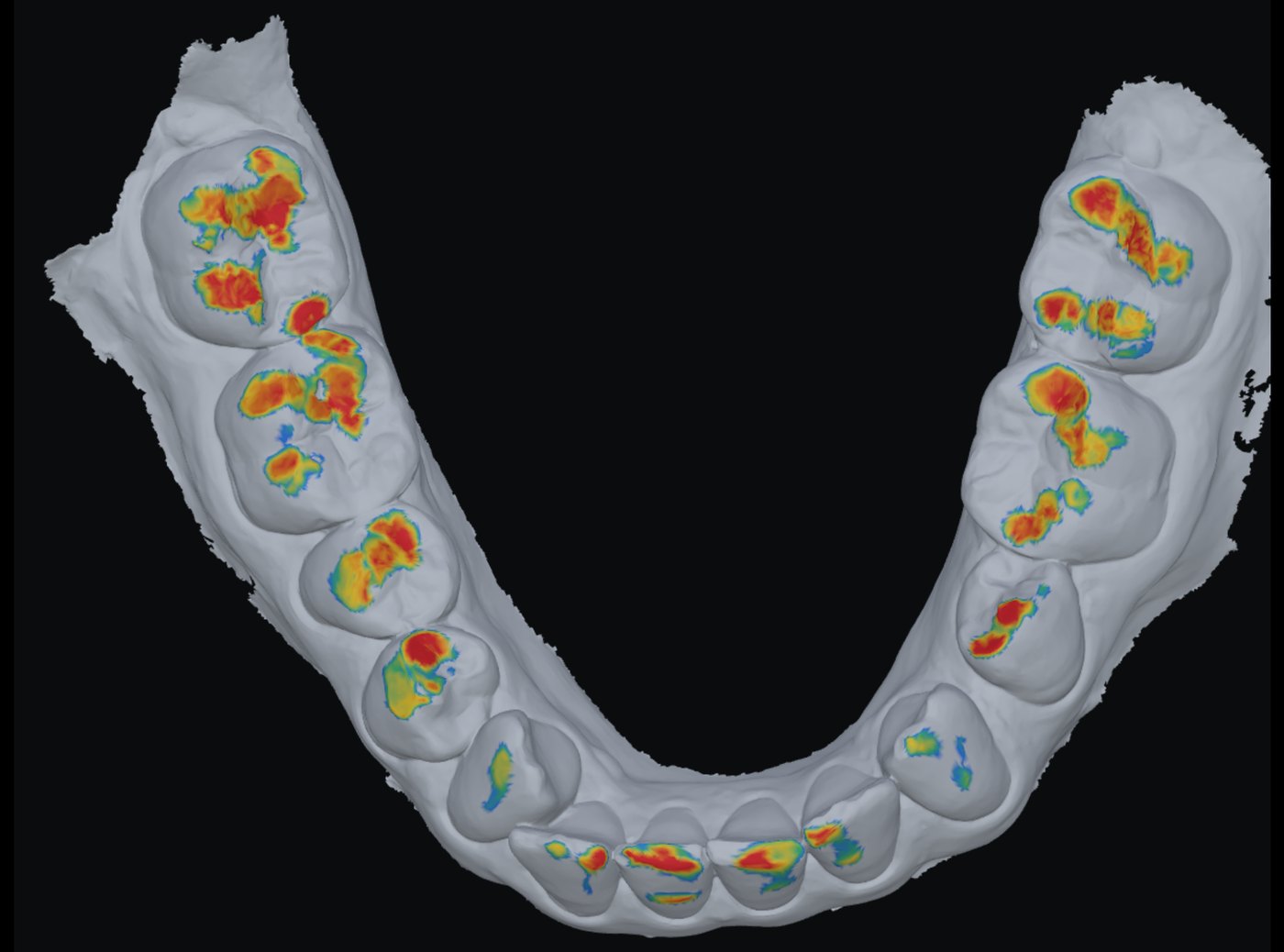
02 · Bite
The bite found from two scans, with the contacts on both jaws.
Upper + lower scan · STL, PLY, OBJ
How it works →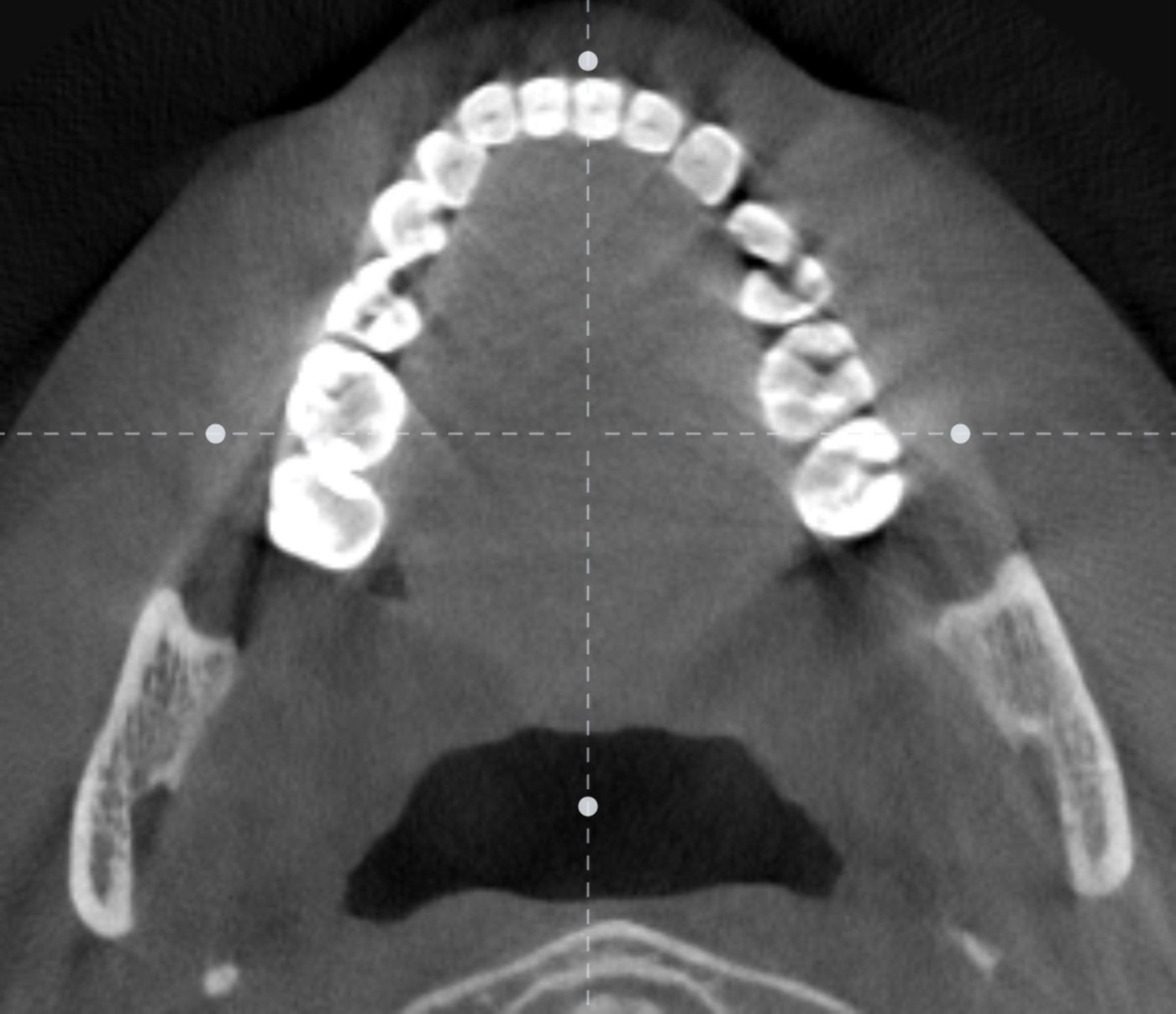
03 · View CT
A DICOM folder opened in the browser: slices, a ruler and the volume.
A DICOM folder, on a computer
How it works →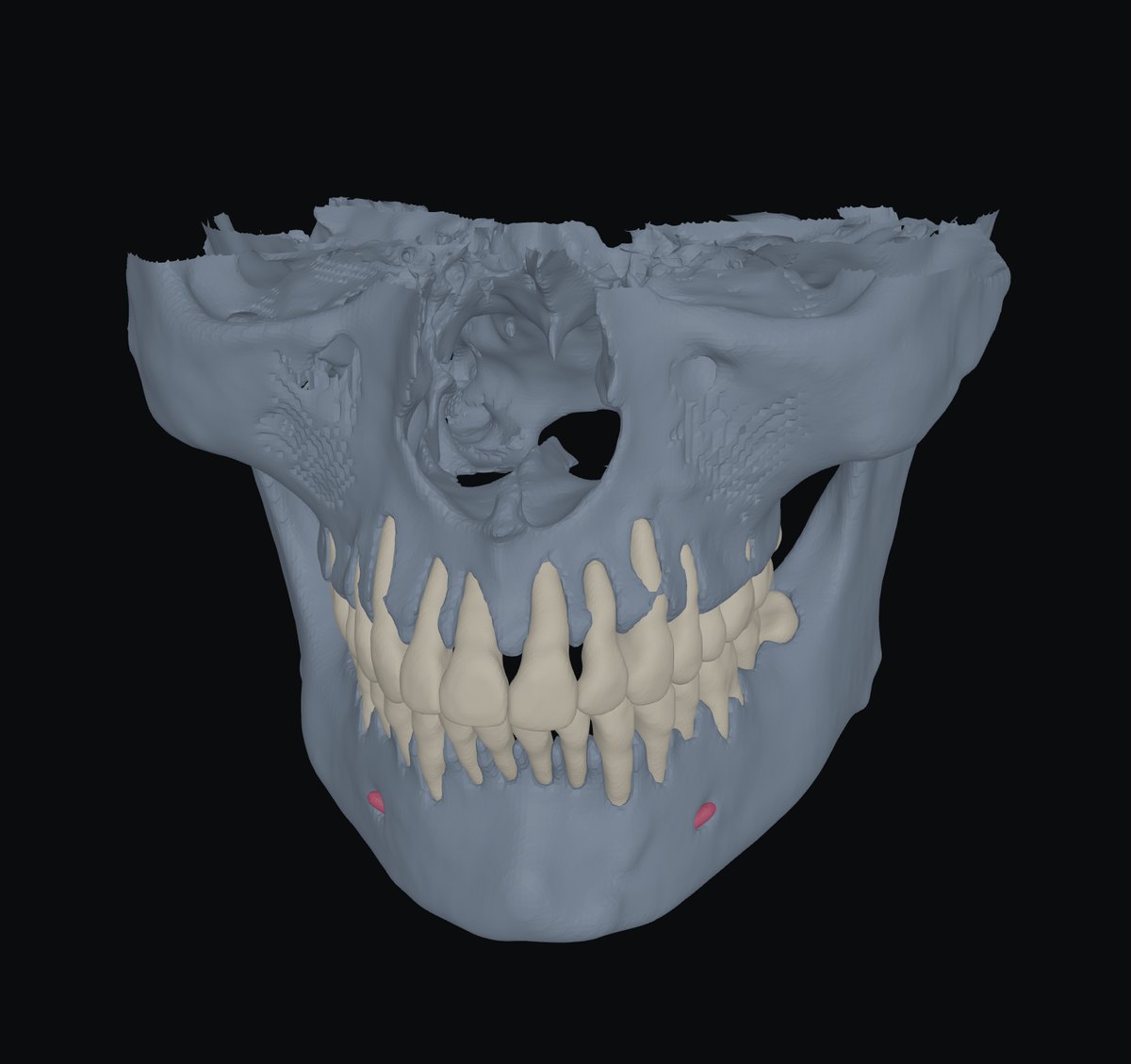
04 · CT segmentation
One CT into teeth by number, both jaws and the nerve canal — in 3D, as STL.
A DICOM folder, on a computer
How it works →05 · CT + scan
The jaw scans placed on the CT: every tooth a crown from the scan and a root from the CT.
DICOM folder + upper and/or lower scan
How it works →Coming laterEach waits for something named
Stitch CTTwo small-field CTs → one: teeth and both joints, or a CT and one taken higher
being built
being built
Ceph from CTA side view of the skull with a ruler, from a DICOM folder
comes later
comes later
FacebowA facebow and a photo
needs the device
needs the device
Articulator mountingA CT and facebow data
comes after the facebow
comes after the facebow
Compare visitsToday’s scan and one from a past visit
needs a past visit
needs a past visit
Jaw movementA recording of jaw movement
needs the device
needs the device
Where your files goNothing is stored
In the tabScans are read, aligned and measured in your browser. Prep depth, Bite and View CT never send them anywhere.
On a server in the EUCT segmentation and CT + scan send the volume — without name, date or scanner — and the scans. Only the answer comes back.
KeptNothing, unless you press Share: then the case, without names, lives behind a link for 30 days.