02 / 05 · BiteUpper + lower scan · STL, PLY, OBJ
Bite
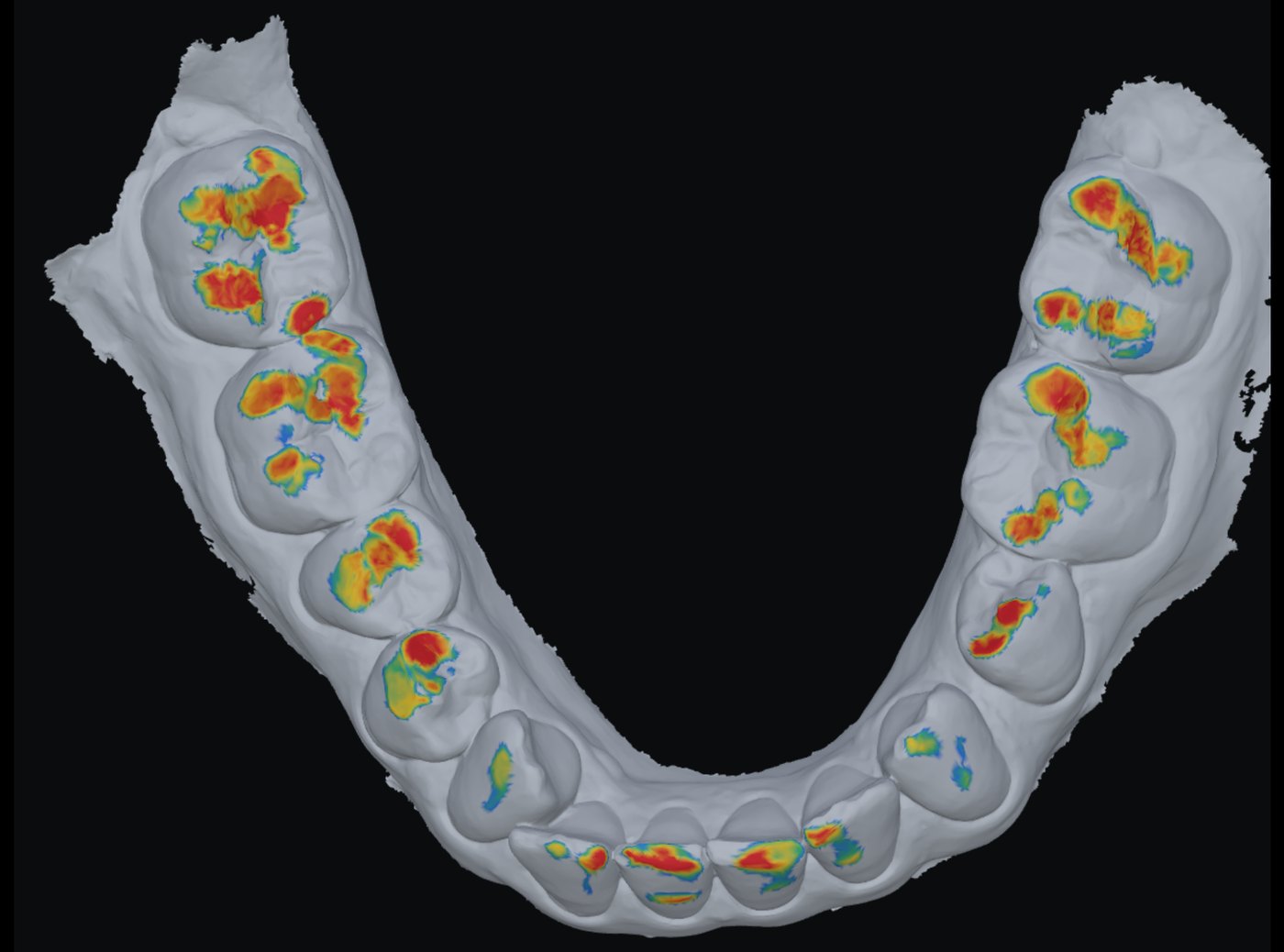
The bite found from two scans, with the contacts on both jaws.
The scanner’s bite is off by tenths of a millimetre — 0.24, 0.32 and 0.57 mm into the other jaw on our three cases. A crown designed into that bite is ground down in the chair.
InUpper + lower scan
OutMap · moved lower · PNG · link
RunsIn your browser, 4–5 s
KeptNothing, unless shared
How to use it3 steps · on a real case
- 1Drop upper and lower
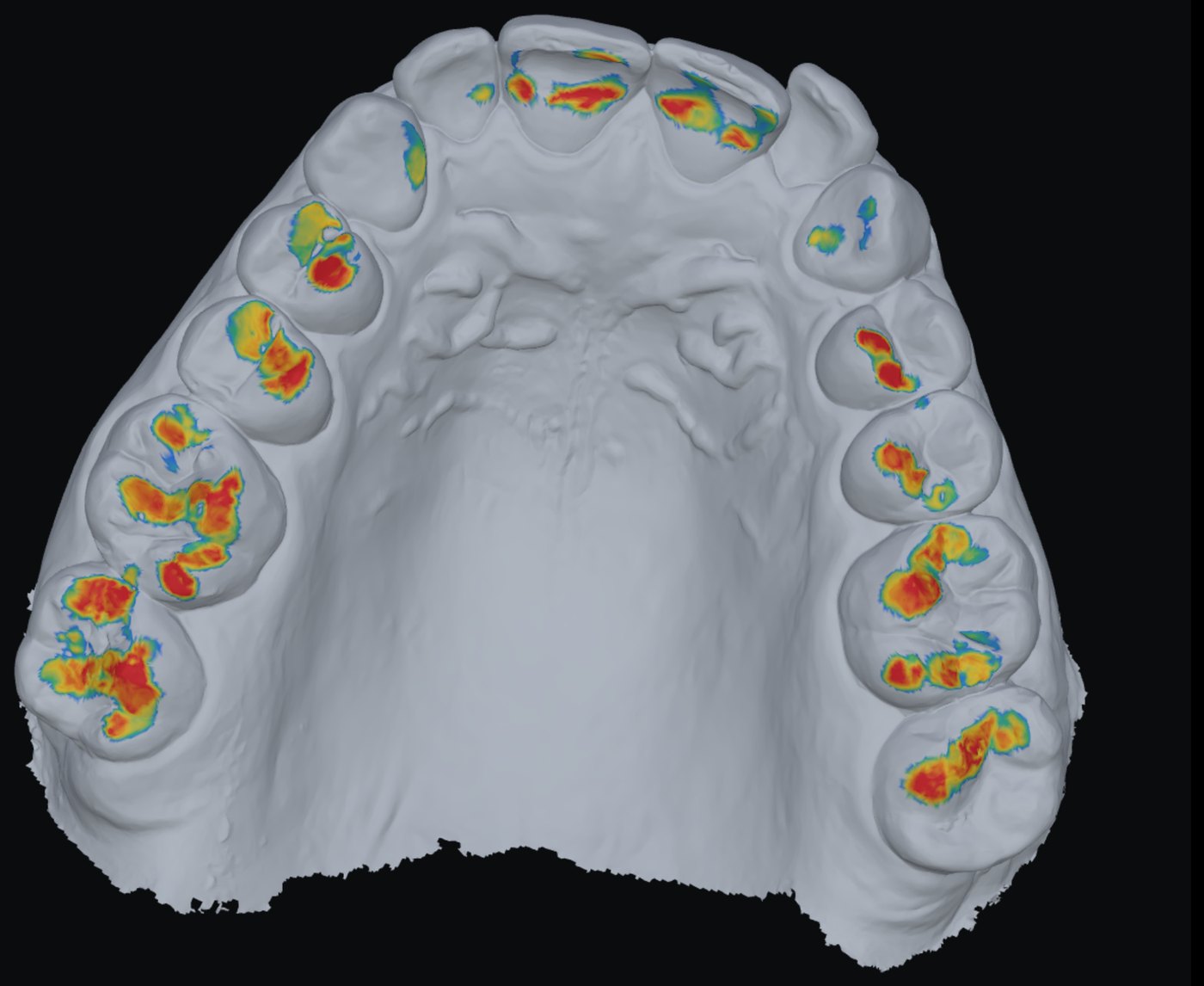
The bite is found in the browser, in 4–5 seconds.
- 2Compare with the scanner
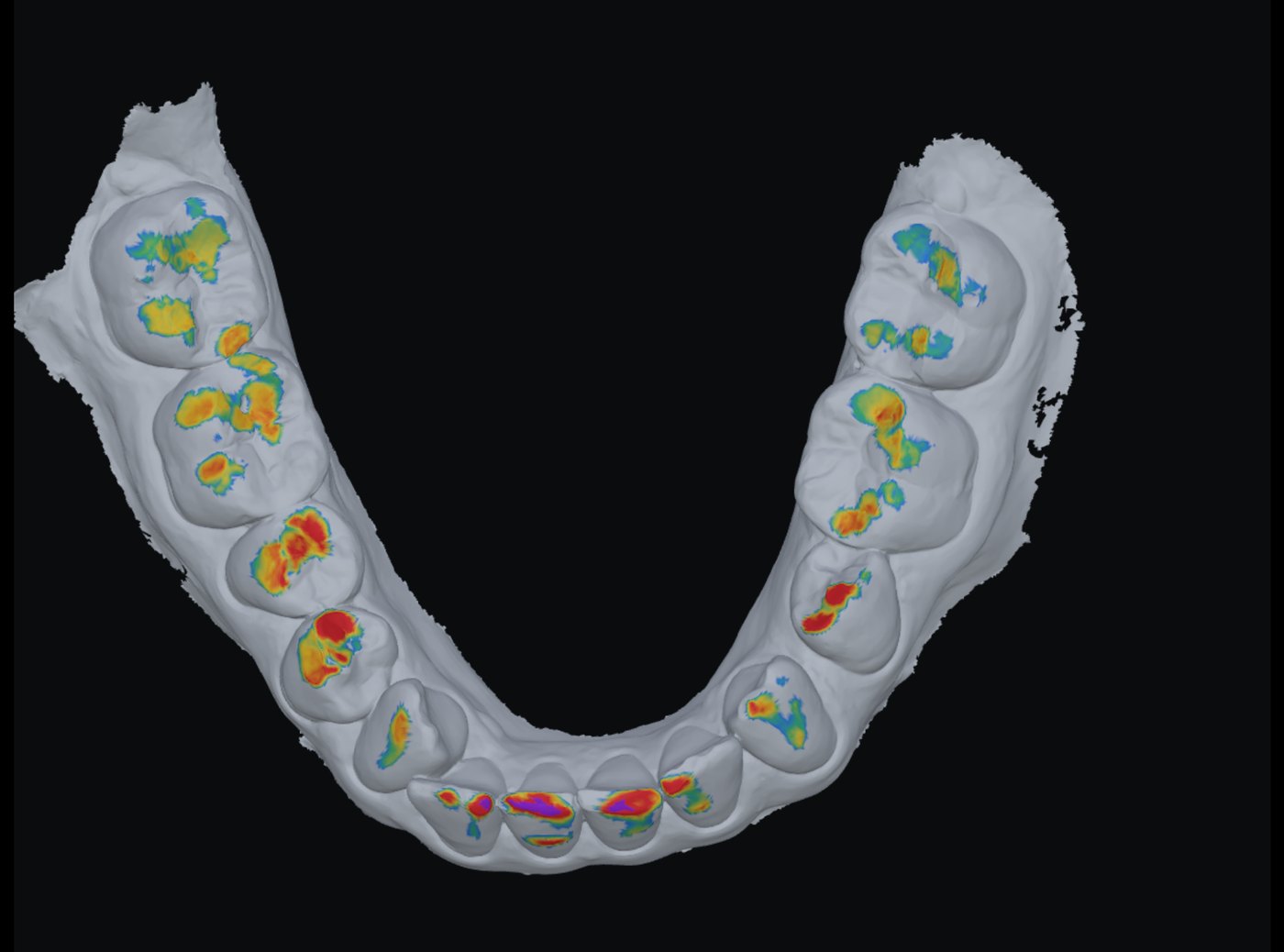
Purple: the jaws deeper than 0.15 mm inside each other.
- 3Download the moved lower
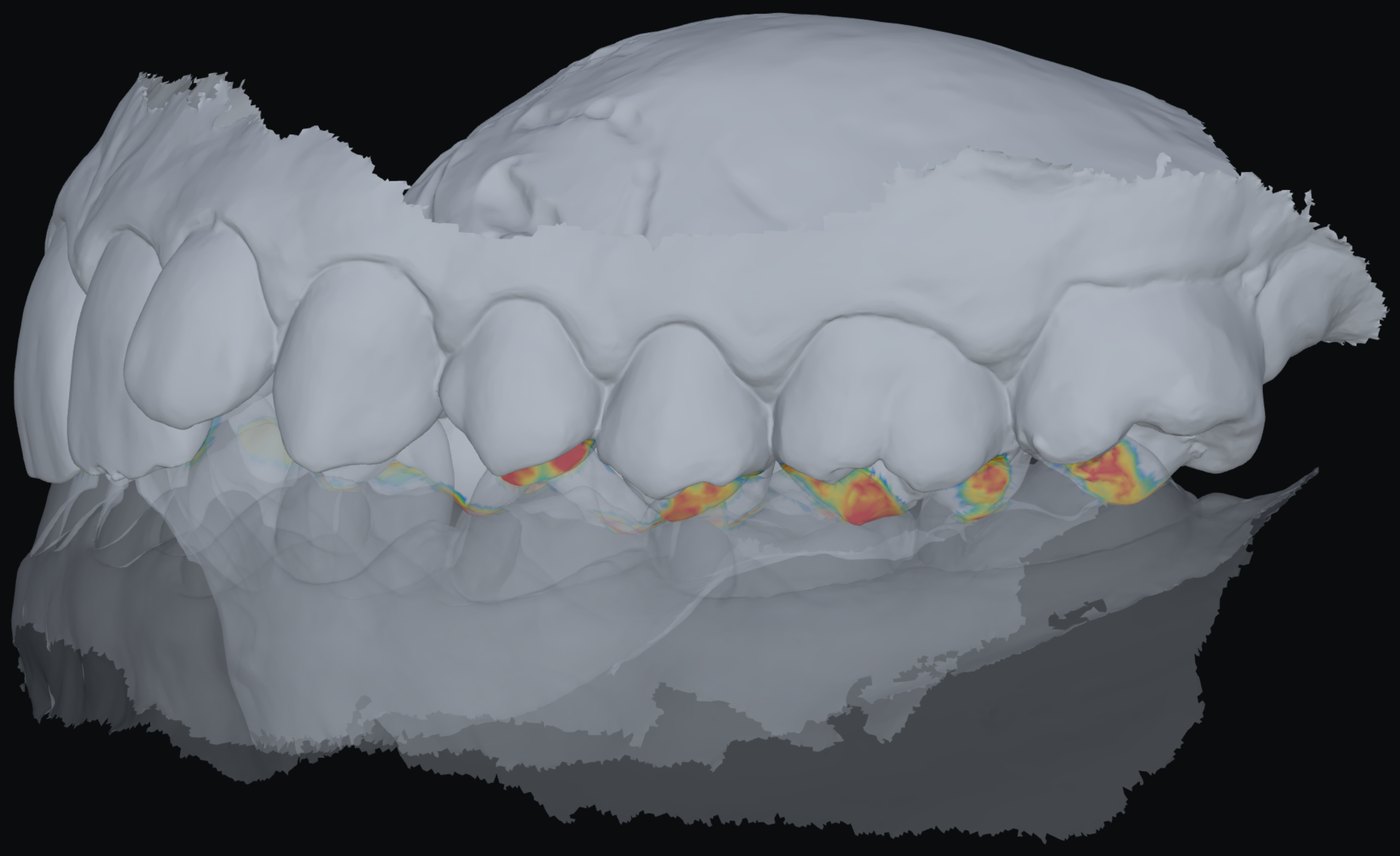
lower-bite.stl, already in the found bite, and pose.txt.
What you getOn screen and to take away
- Occlusion map on both jaws, opened like a book: red touching → blue 0.3 mm apart; purple deeper than 0.15 mm.
- One line: “Lower moved 0.14 mm, 0.60° from the scanner’s bite · contact 82 mm²”.
- Found / Scanner’s / Both — the two bites side by side on one camera; opened or in bite.
- Download: a zip with the lower already moved and the matrix.
- Save an A4 sheet; Share a link with both scans and the found bite.
Measured, not promisedOn our cases
- Against Bite-Finder, the paid service: case A 0.13 mm, case B 0.09 mm, case C 0.06 mm from their pose.
- Two starts land 0.011 mm apart: one answer, not a lucky one.
- Two scans fix a bite to about 0.1–0.2 mm: several poses that close are equally good.
touching0.3 mm apart> 0.15 mm inside
Not yet
- Room to the antagonist over each stump and undercuts — waiting on where the stumps are.
- Scans saved with no bite at all need a rough start first.
Next tool03 · View CT →
A DICOM folder opened in the browser: slices, a ruler and the volume.