03 / 05 · View CTA DICOM folder, on a computer
View CT
A DICOM folder opened in the browser: slices, a ruler and the volume.
A colleague’s CT on any computer, without installing the scanner’s viewer — and the bone measured in millimetres before anything is planned.
InDICOM folder
OutSlices · volume · PNG · link
RunsIn your browser
KeptNothing, unless shared
How to use it3 steps · on a real case
- 1Choose the folder
Read in the tab, slice by slice. It stays on your computer.
- 2Scroll and measure
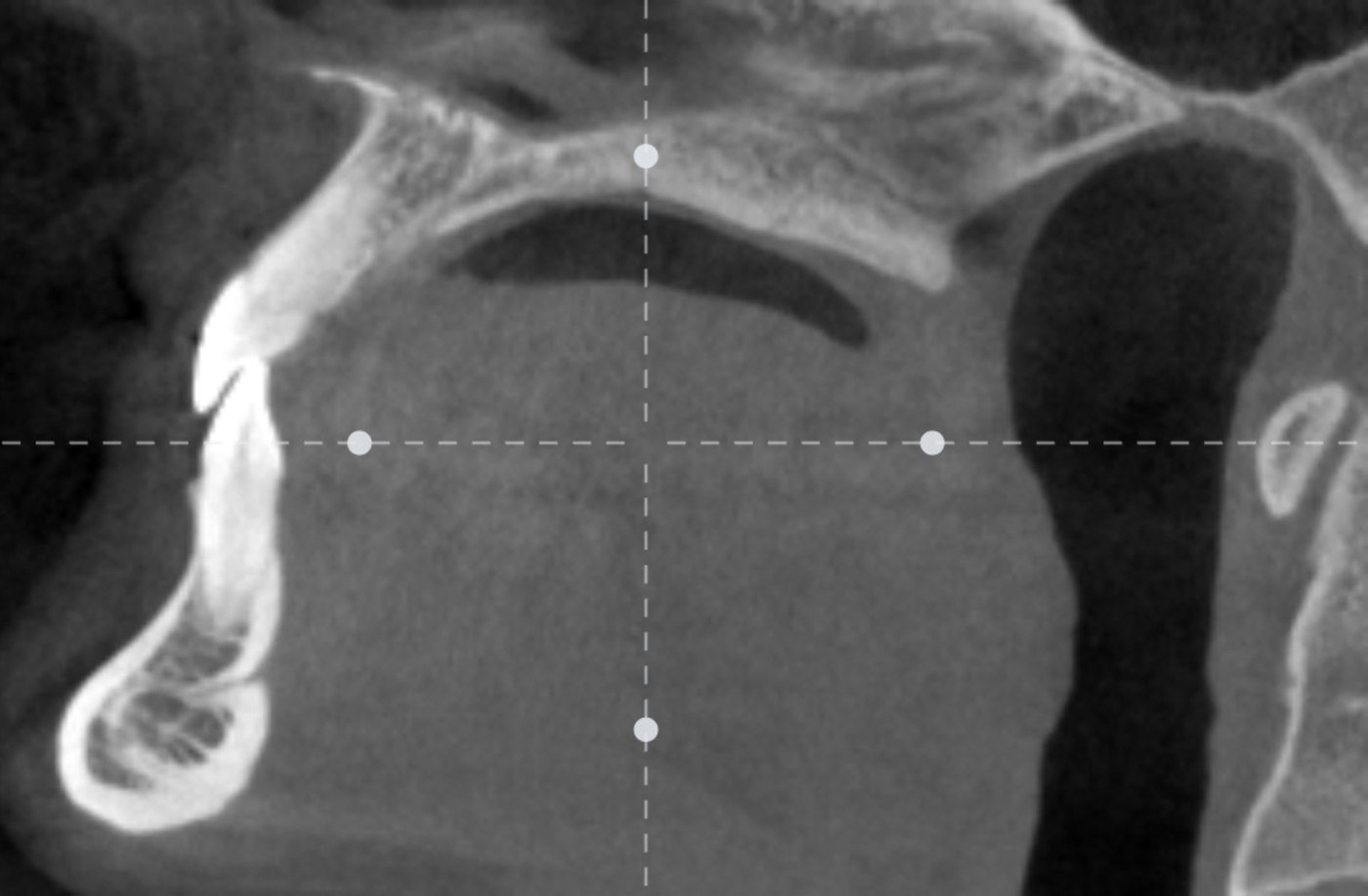
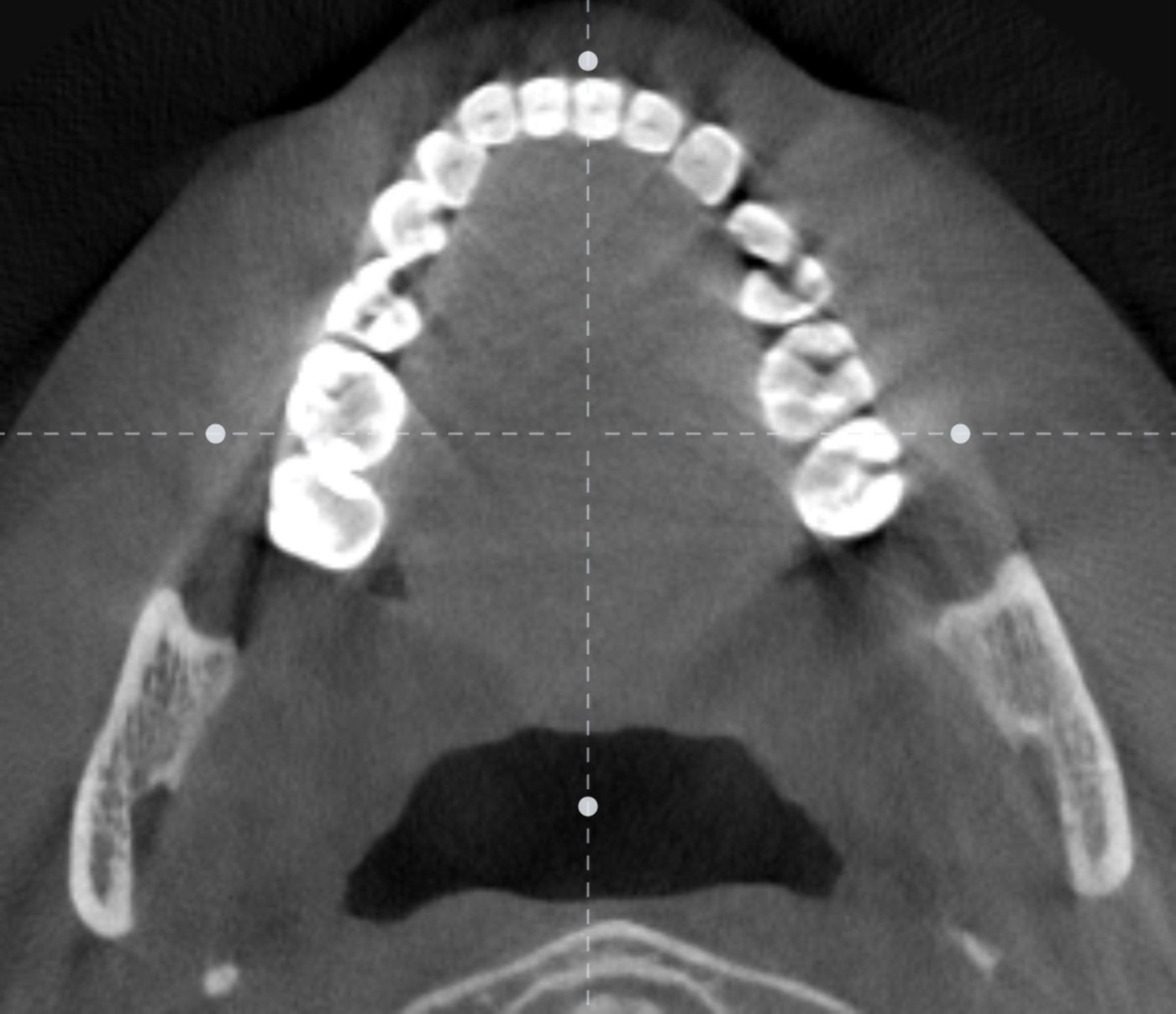
Three planes on one cursor, a cut across the arch, a ruler in mm.
- 3Turn the volume
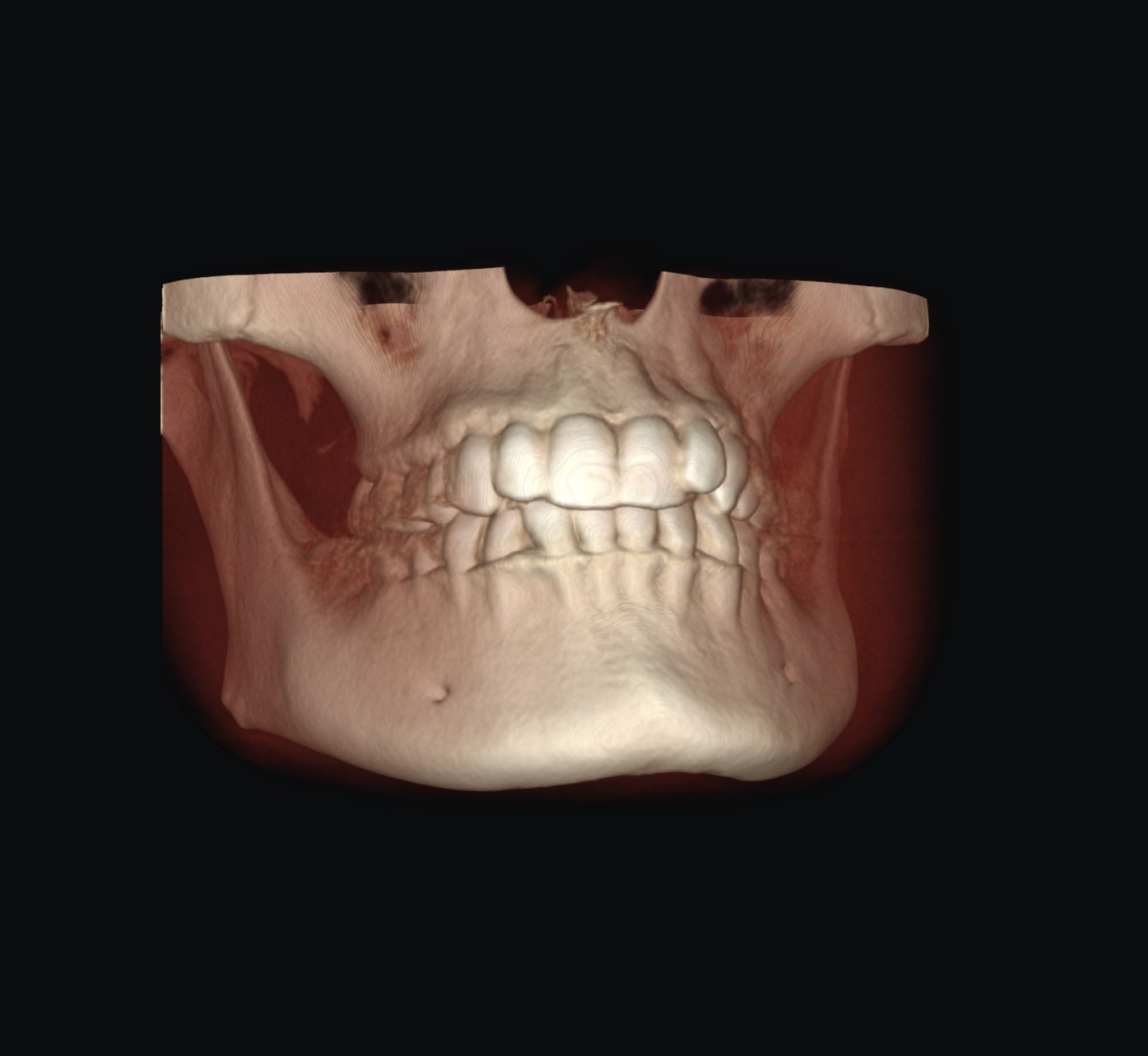
Bone, teeth or skin; the whole CT, not a crop.
What you getOn screen and to take away
- Axial, coronal, sagittal on one shared cursor, with orientation letters.
- Across the arch: the cross-section implant planning starts from.
- Ruler in millimetres on any slice, and a density profile along it.
- Volume in 3D: Bone · Teeth · Skin, with a density slider.
- Save an A4 sheet with a 10 mm bar per view; Share a link — without names.
Measured, not promisedOn our cases
- A 46.18 mm line on screen is 46.18 mm on the sheet, and 46.11 mm when opened from a link on a phone.
Next tool04 · CT segmentation →
One CT into teeth by number, both jaws and the nerve canal — in 3D, as STL.